Wednesday, 17 February 2016


The Best ways to Run Android apps on your Windows PC

-------------------------------------------------------------------------------------------------------------------------------------------------

Now you can able to run Android apps in your Windows PC or Windows Tab using one of these tool. This is an easy way to try your android apps with your PC or Tab. If you want to play with some Android apps, however, and don’t want to invest in a dedicated tablet or phone, however use one of them. It's for free (but some are you can try for free or else you can use as individual), so there’s no commitment up front. And if you have a Lenovo Yoga, a Surface, or other two-in-one, you can turn that Windows tablet into an Android tablet any time you’d like. And that’s actually pretty cool. 

1. ARC Welder for Chrome


2. BlueStacks App Player


      For More : www.bluestacks.com/download.html

3. AMIDuOS
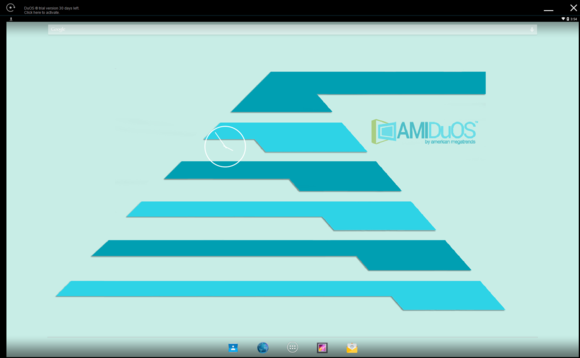

amiduos home screen

       For More : http://www.amiduos.com/downloads

4. Genymotion


      For More : https://www.genymotion.com

5. YouWave
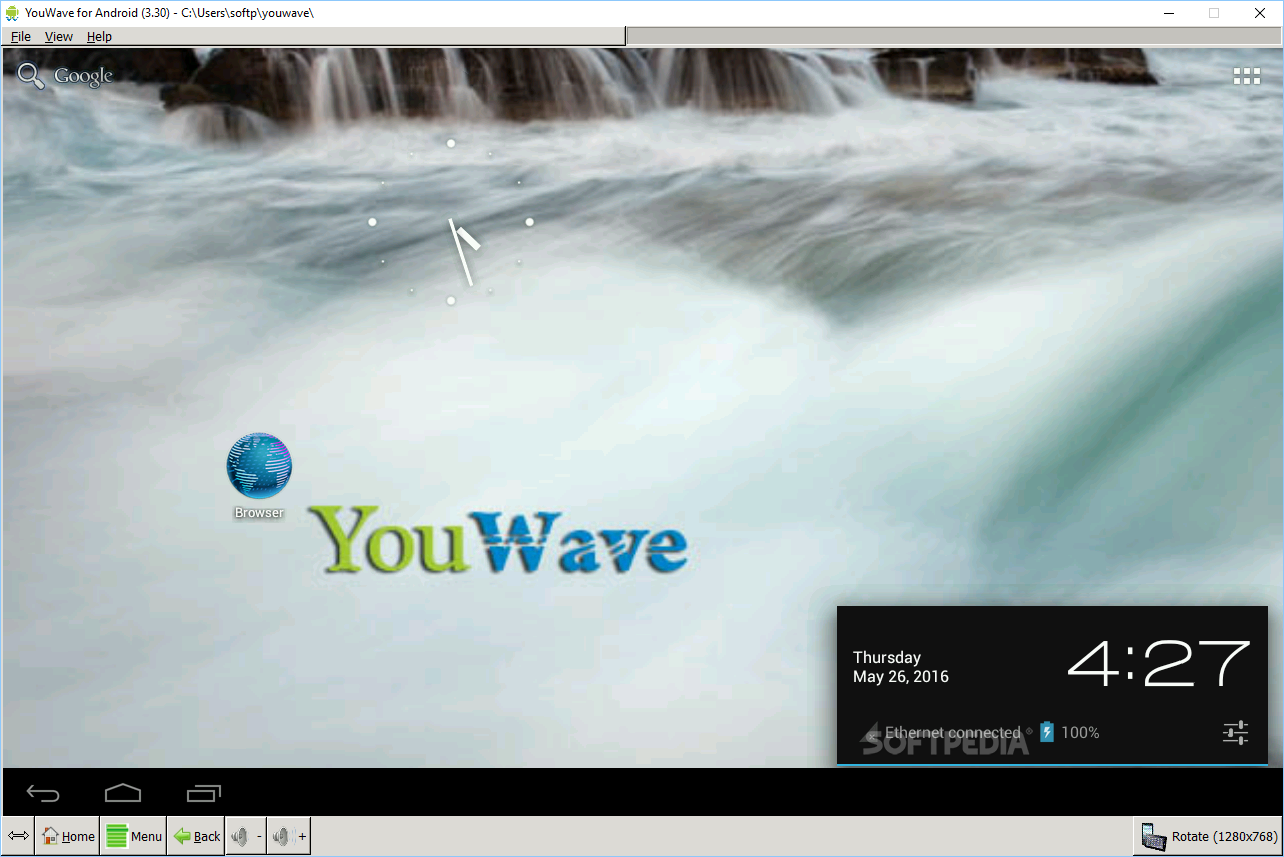

    For More : http://youwave.com/download

Friday, 13 November 2015

Solution for Hyper-V problem users, who have genuine key of Professional/Education Edition of windows

Guys, I found the solution for Hyper-V. Who are don't like to install new OS, this setup will be more use full to you. Here are the steps to follow.

Windows 8 / 8.1 Users:
1. Go to System in your Laptop/PC
2. Click the " Get more features with a new edition of Windows "
3. Then there will be a window pane will be appear. So click the " I have a product key ".
4. Then Enter the product ID of your OS's professional edition from your Dream spark Account.

Windows 10 Users:
1. Go to System in your Laptop/PC
2. Click the " Change product key "
3. Then there will be a window pane will be appear. So then Enter the product ID of your OS's professional/Education edition for from your Dream spark Account.

After the setup finished, it will automatically restart. But be patient. It will take some few minutes to your login screen.
After the restart, Go to Control Panel ---> Programs and Features --> Turn Windows features on or off --> tick Hyper-V and OK.
Again your PC/Laptop will ask to restart to enable Hyper-V feature.

Congratulation.! You have successfully enabled Hyper-V feature.
Note: This is only for Windows Home Edition users.
Hope you will find out as useful.
Thanks for your valuable time.

Monday, 6 July 2015

Emergency banking controls prevent Greek customers from renewing their iCloud subscriptions, buying on iTunes/App Stores


Given the enormity of the financial meltdown in Greece, not being able to make iCloud or iTunes purchases is rather a long way down the list of the country’s problems – but for those with data stored on iCloud, not being able to renew a subscription could put that data at risk.

For those outside Europe who may not have seen too much news coverage, a combination of a long history of low levels of tax collection and the global financial crash has left Greece unable to pay its international debts. To prevent a collapse of the Greek banking system, the government has put strict controls in place, including maximum cash withdrawals of €60 ($66) a day – and a complete ban on overseas payments or transfers.

As payments from Greek subscribers are processed outside the country, this means that Apple cannot legally accept payments from anyone with a Greek account. One Bloomberg staffer learnt about this very directly when they received an email from Apple telling them their iCloud renewal had failed.

“On June 30, we tried to charge your account for your iCloud space of 20GB, but there is a problem with your payment details,” said one e-mail received by Bloomberg News staff based in Athens. “If we don’t manage to renew your subscription, your account will be downgraded to the free 5GB space program.”

SOURCE: Business Insider